Learn how to use the Sophora Content API REST interface to retrieve content from Sophora.
The Content API exposes a REST interface that is accessible via HTTP.
The base URL for the REST interface is: http://contentapi.example.com:8080/api
Versioning

The REST interface is versioned: For example, for version 1, you would use the endpoints at: http://contentapi.example.com:8080/api/v1/...
Consult the Swagger UI frontend for all available REST interface versions.
Authentication
Requests made to the REST interface must include an Authorization: Basic ... header to authenticate.
You can use any Sophora user's login credentials. Note that this user's permissions in Sophora will apply, for example when retrieving documents.
Swagger UI
The Content API exposes a Swagger UI frontend listing all available REST endpoints.
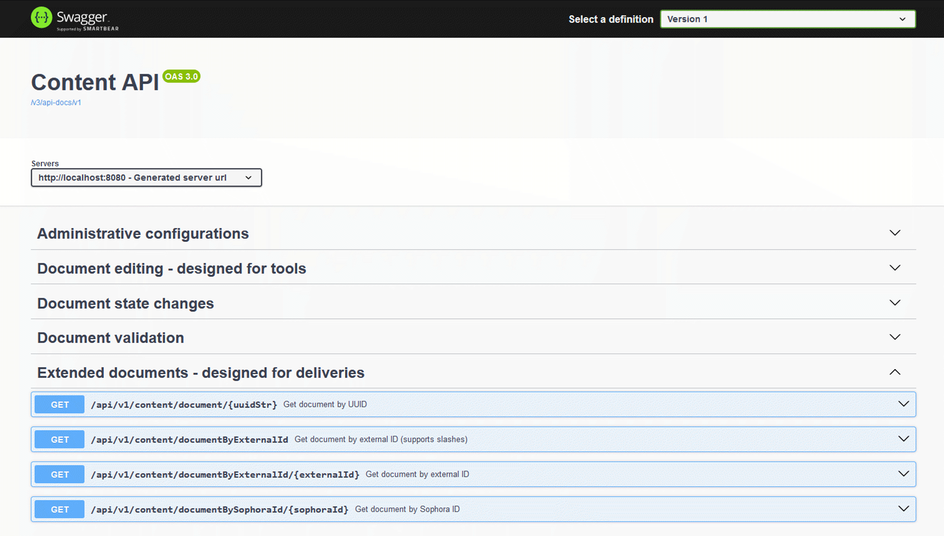 The Content API Swagger UI listing endpoints that are available in the Content API.
The URL for the Swagger UI is: http://contentapi.example.com:8080/


